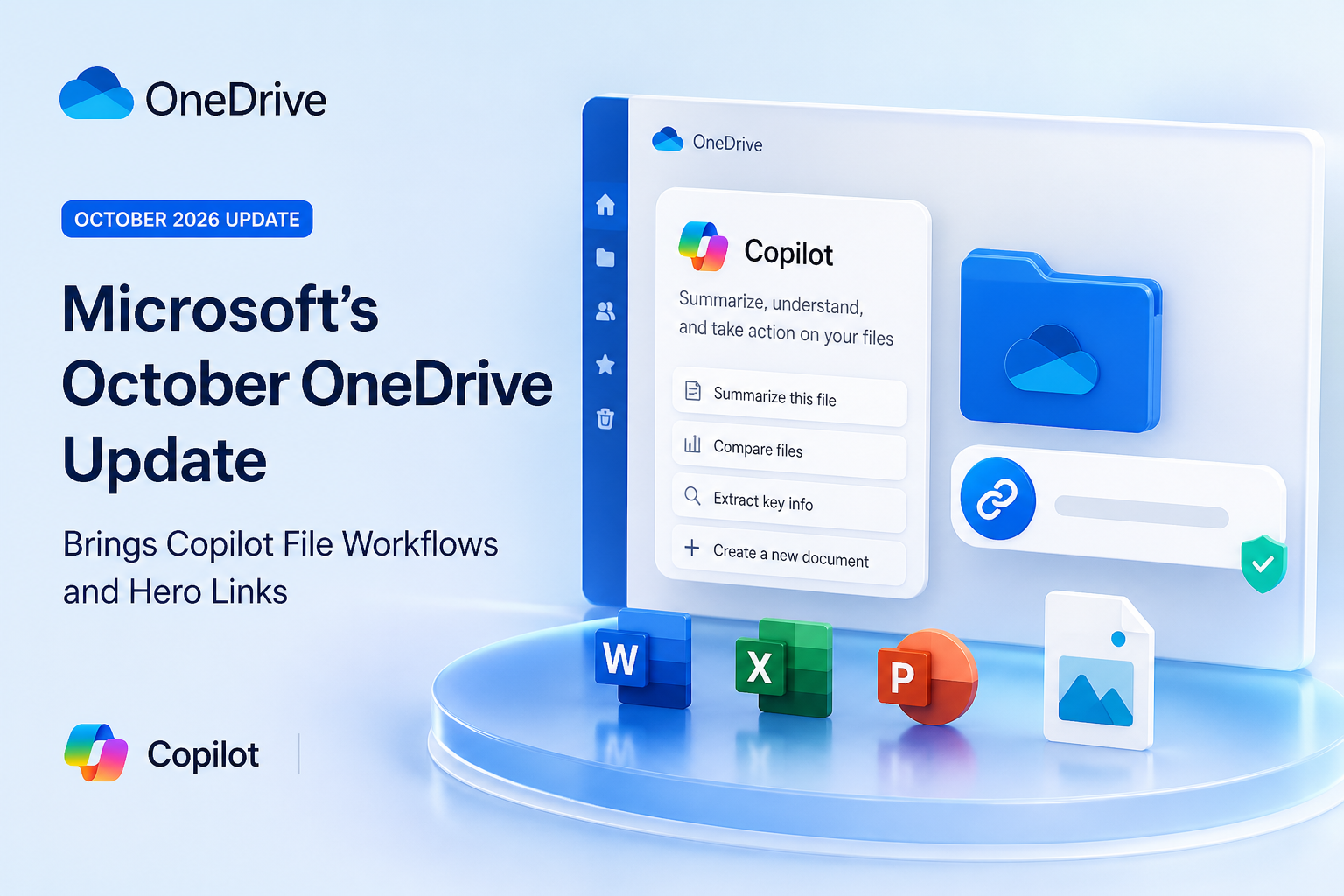
Microsoft’s October 20, 2026 OneDrive announcement brings together a set of changes aimed at making files easier to use, find, and share. The OneDrive Copilot updates October 2026 are not just about adding an AI chat box: Microsoft is presenting Copilot as a way to work across files, create useful outputs, and repeat common tasks. Alongside those tools, OneDrive is introducing Hero Links, a simpler approach to file sharing that keeps the same URL when permissions change.
The announcement also highlights improvements to finding personal photos. The practical picture is a mix of new workflows and an evolving rollout, so availability may differ by feature, account, and experience. Here is what Microsoft announced, how the features could fit into everyday work, and what to check before relying on them.
At a glance: what is changing in OneDrive?
- Analyze files: Ask Copilot to work with information across files instead of opening and reviewing each one individually.
- Create interactive HTML reports: Use Copilot to turn file content into a more visual, interactive result.
- Repeat workflows: Save instructions for recurring processes as Markdown-based skills, so Copilot can follow a consistent routine.
- Find photos with natural language: Search using a description of the image or moment you want to locate.
- Manage sharing with Hero Links: Update permissions while keeping the same link to a file or folder.
Microsoft also points to a Prompt Gallery intended to help people discover ways to use Copilot with their files. The announcement spans personal and work-related file experiences, but it does not mean every capability is available to every OneDrive user at once.
Copilot moves from file summaries toward file workflows
Copilot in OneDrive has already been positioned as a way to ask questions about files and get help understanding their contents. The October update emphasizes broader tasks: analyzing multiple files, organizing project material, and creating new outputs from information stored in OneDrive. Rather than treating each document as a separate destination, the goal is to let people describe a task and have Copilot help work through the relevant content.
For example, a project team could ask Copilot to review a set of documents and produce a concise overview of themes, status, or open questions. A finance or operations team might use a collection of spreadsheets as the source for a report. These are practical illustrations of the announced direction, not a guarantee that every file type or task will be supported in every account. Users should check the available Copilot actions and supported content in their own OneDrive experience.
Copilot can also help with organization. Microsoft highlighted workflows for organizing projects, which may be useful when files have accumulated across folders or when a team is preparing materials for a new phase of work. AI-driven organization can save manual sorting, but it is sensible to review suggestions and resulting changes rather than assume the structure is right. Keep original files and naming conventions in mind, particularly when a folder is shared or supports a formal process.
Turn file content into an interactive HTML report
One of the more distinctive features in the announcement is the ability to create interactive HTML reports from files. A conventional summary is useful for a quick read; an HTML report can present information in a more visual format, such as a dashboard or an interactive overview. Microsoft describes Copilot creating these kinds of experiences directly from OneDrive content.
A possible workflow is to select or reference relevant source files, ask Copilot to identify the key information, and request a report organized around the questions your audience needs answered. For instance, a project lead might want progress, risks, and milestones presented together rather than spread across several documents. A useful prompt should say who the report is for, what source material to use, which sections matter, and what should be clearly flagged as uncertain or missing.
Interactive does not mean authoritative. Check any figures, dates, names, and conclusions against the source files before sending a report to colleagues or customers. Make sure the HTML output includes enough context for readers to understand what it covers, and avoid presenting an AI-generated interpretation as an approved business decision. If the report contains sensitive information, confirm its sharing permissions before distributing the link.
Microsoft’s broader announcement also describes OneDrive support for working with HTML and Markdown files. That matters because an AI-created report or reusable instruction file can become an editable file in the same environment where other project content lives. The update is therefore not only about generating a result, but about making these formats part of a file workflow.
Reusable Copilot workflows and the Prompt Gallery
For recurring work, Microsoft highlighted custom skills that capture a process and save it as a Markdown file. The idea is to describe a repeatable method once, then use it again when a similar task comes up. A team might, for example, maintain instructions for preparing a weekly project brief or checking a standard set of documents. The Markdown file makes the instructions portable and reviewable as text.
To get better results, write a skill like a clear checklist: state the task, identify which information to use, specify the output format, and note what Copilot should do when information is incomplete. Keep sensitive instructions and source content in the right access-controlled location. A saved process can encourage consistency, but it does not remove the need for someone to review the output.
The OneDrive Prompt Gallery is intended to make it easier to get started with ready-to-use examples. For people unsure what to ask, suggested prompts can serve as a starting point. Treat them as templates: adapt the request to your files and verify that Copilot is drawing on the material you intend.
Find photos by describing what you remember
OneDrive’s photo improvements include natural-language search, which lets users describe a picture or scene instead of relying only on a filename or a manually added keyword. A search can be framed around the subject, setting, or occasion—for example, a family gathering in a garden or a beach trip at sunset. This can be helpful when a large photo library has years of images with generic camera-generated names.
Natural-language search is most useful when the description includes distinctive details. Try a few variations if the first search misses the image, and use any available filters or visual browsing tools to narrow the results. Search results are a convenience, not proof that every image has been identified correctly; open the photo and confirm it is the one you want before sharing or editing it.
Microsoft’s October announcement also highlights improvements to the photo experience, including ways to browse or work with memories. The exact experience may depend on whether you use OneDrive on the web, mobile, or through a Windows photo app. Do not assume that every new photo capability appears in every app simultaneously.
Hero Links: change permissions without replacing the URL
Hero Links address a familiar problem: a file gets shared, then its audience or permissions need to change. In a traditional workflow, changing access can result in another link being created. Over time, recipients may have several URLs to the same file, and the sender may have to remember which link has which access.
With Hero Links, Microsoft says a file or folder has one primary link by default. If the owner changes the sharing permissions, the same URL follows the updated permissions. That can reduce duplicate links and make it easier to manage an item shared in email, chat, or a project document. Microsoft also says the browser link can be used for sharing with the same permissions applied.
For everyday use, the most important habit is to check access before you send a link and again when the intended audience changes. A stable URL is convenient, but it does not make access permanent or public by itself: people’s ability to open the item still depends on the permissions applied to it. If you broaden access, recipients who already have the URL may be affected by the changed permissions, so treat the link as a reference to an access-controlled file—not as a private message.
Hero Links are rolling out, so users may not see the new sharing experience immediately. Microsoft has also said expiration support for Hero Links is coming in the future. Until that capability is available in your environment, do not assume a Hero Link will automatically expire on a schedule. Organizations with strict time-limited sharing requirements should continue to follow their current approved sharing process.
Practical checklist before using the new features
- Confirm availability: Check your OneDrive account and apps for the Copilot, photo, and sharing features you intend to use.
- Choose source files deliberately: For analysis or report creation, identify the relevant files and avoid including unrelated or outdated material.
- Review AI outputs: Validate key claims, numbers, and conclusions against the underlying documents.
- Inspect permissions: Before sharing an HTML report or other file, confirm who can access it and whether that matches the audience.
- Use repeatable instructions carefully: Keep Markdown skills current, specific, and appropriate for the files and task.
- Test photo search with variations: Describe the subject and context in different ways, then confirm the selected image.
- Plan for rollout differences: A feature shown in an announcement may arrive at a different time or in a different app from another feature.
What the update means overall
The October OneDrive changes connect discovery, analysis, creation, and sharing. Copilot can help users move from files to a report or repeatable process; natural-language search can help locate a personal photo; and Hero Links aim to reduce the clutter of multiple URLs for one item. Together, these changes make OneDrive feel less like a passive storage location and more like a place to work with the information stored there.
The benefits depend on careful use. AI-generated analysis still needs review, an interactive report still needs appropriate permissions, and a reusable link still needs access management. Availability also varies as the features roll out. For individuals, the simplest starting point is to try a low-risk task with a small set of files. For teams, test the workflows with real but non-sensitive material, check sharing behavior, and set clear expectations about reviewing AI-generated content.
Frequently asked questions
What are the main OneDrive Copilot updates in October 2026?
Microsoft highlighted analyzing files, organizing project work, creating interactive HTML reports, saving repeatable processes as Markdown skills, and a Prompt Gallery with suggested prompts. The update also features natural-language photo search and Hero Links for sharing.
Can Copilot create an interactive report from OneDrive files?
Yes. Microsoft says Copilot can turn file content into interactive HTML reports. Review the report against its source files, especially before using it for decisions or sharing it outside the original team.
What does a Hero Link do?
A Hero Link is a primary sharing link for a file or folder. Microsoft says its permissions can be changed while keeping the same URL, which can reduce the number of separate links people need to track.
Do Hero Links expire automatically?
Not yet according to the announcement. Microsoft says expiration support is coming. Until it is available in your OneDrive environment, use existing approved methods for access that must end at a particular time.
Can I find a OneDrive photo by describing it?
Microsoft highlighted natural-language photo search, which lets you search with a description rather than relying only on filenames. Availability and the exact experience can differ by app and rollout stage.
Are all of these features available to every OneDrive user now?
No universal availability should be assumed. Microsoft describes features rolling out, and the set visible to you may depend on your account, device, app, and deployment timing. Check OneDrive directly for the capabilities enabled in your environment.
