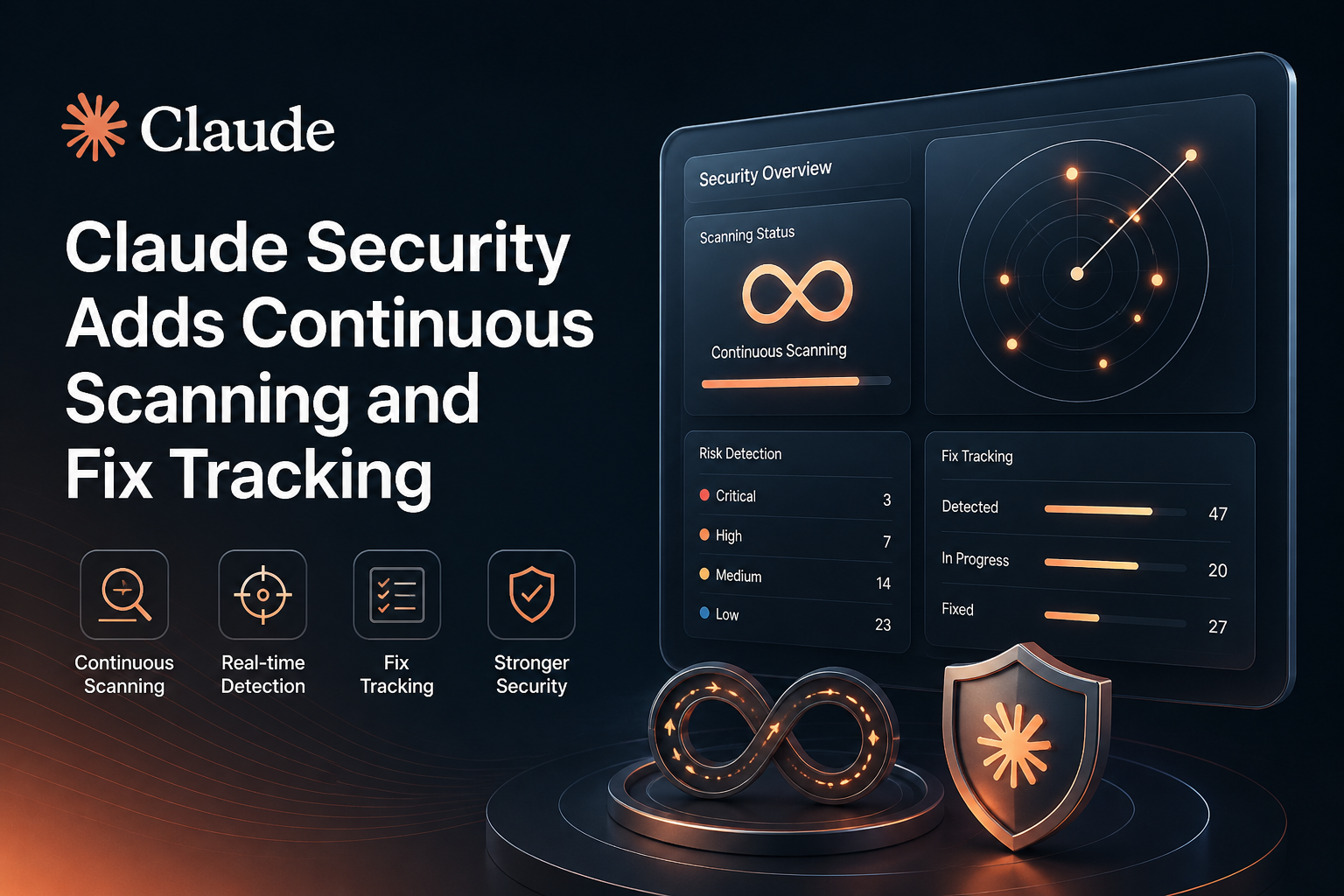
Security findings can lose urgency when they arrive in a report that quickly goes out of date. New commits may introduce fresh risks, while fixes made in a separate workflow can leave the original finding open. Claude Security’s latest public beta update is designed to address that gap with ongoing repository scans, fix tracking, project-specific context, and connections to developer and security workflows.
For eligible Claude Enterprise teams, the headline change is a shift from treating a scan as a one-time event to keeping findings aligned with changes in the code. Claude Security performs an initial, in-depth scan of a project and then checks for new commits, scanning changes regularly according to their risk and complexity. It also checks open findings against changed code and can mark a finding fixed when the relevant fix lands.
This adds a monitoring and workflow layer to code security. It does not remove the need for security review, testing, or human judgment. Teams still need to validate reported issues, review suggested patches, and decide how the service fits their policies and software development lifecycle.
What changed in Claude Security?
Anthropic describes the update as continuous scanning and fix tracking. Teams can create a project, connect repositories, choose a branch and scope, and run a baseline scan. After that, Claude Security checks for new commits and scans changes on a variable cadence based on risk and complexity. The announcement does not describe a fixed interval, so teams should not assume every commit gets an immediate, identical scan.
The service can assess code across files and repositories, which may help surface issues whose path crosses component boundaries. A project can include up to eight repositories, with repositories designated for scanning or context. For larger repositories or monorepos, Anthropic recommends setting a folder scope and excluding directories that do not need coverage.
Findings include descriptions and severity ratings informed by the project’s threat model. Teams can add information the source code alone may not reveal, such as deployment details, applicable security policies, accepted risks, and how services are exposed. Claude Security can use that context when deciding what to flag and how to rate it. Teams can also review and edit the generated threat model.
Fix tracking follows the code, not just the original report
One practical challenge in application security is keeping issue status accurate when engineers fix vulnerabilities outside the scanner that identified them. Claude Security checks open findings against code changes and marks them fixed when it determines that the fix has landed. The workflow is not limited to a patch made inside Claude: Anthropic says the check can apply whether a team fixes the issue using Claude Code or through another process.
If the issue is detected again in a later scan, a finding marked fixed can reopen automatically. This gives teams a way to catch regressions rather than treating a previous resolution as permanent proof that the underlying risk is gone.
Claude Security can also help engineers move from investigation to remediation. A finding can be opened in Claude Code to work on a targeted fix. Suggested patches are proposals for review, not a reason to skip normal engineering controls. Teams should assess whether a patch actually addresses the vulnerability, preserves intended behavior, and passes their tests and code review before merging.
Connecting findings to existing workflows
The update adds API and MCP options for bringing Claude Security into tools teams already use. The API supports actions such as listing and reading projects and findings, resolving or reopening findings, and managing projects and their repositories. Anthropic says API access uses a personal access token and is limited to what that user can see and change.
The Claude Security connector uses MCP to let Claude and Claude Code read projects and findings and, when asked, resolve or reopen findings. This can let an engineer discuss a finding and take an action from a Claude session rather than manually moving between screens.
Webhooks can send a notification when a new finding is added, so teams can route alerts into their own systems. The announcement identifies webhooks as a way to connect with existing tools; it does not promise a specific built-in integration for every ticketing, chat, or vulnerability-management platform. Before designing automation, check which events and actions the current API and webhook configuration support.
A practical rollout plan
Organizations considering Claude Security can reduce rollout risk by starting with a deliberately scoped pilot. The following steps are practical suggestions for evaluating the product; they are not a substitute for Anthropic’s setup instructions or your organization’s security requirements.
- Confirm access and governance. Claude Security is in public beta for Claude Enterprise customers. An administrator enables it and can configure which roles may create projects or view and triage findings. Decide who owns project setup, who can change finding status, and who reviews suggested fixes.
- Choose a representative project. Start with a repository or service whose owners can respond to findings. Select the relevant branch and scope. For a monorepo, consider a folder scope and exclude irrelevant generated or vendored directories.
- Add useful project context. Document how the service is deployed, which users or systems can reach it, relevant security controls, and known accepted risks. Keep this information current: stale context could lead to findings that do not reflect the live environment or priorities.
- Review the baseline before scaling up. Examine findings with engineering and security owners. Check affected code, the explanation, the proposed severity, and the assumptions in the threat model. Use the pilot to learn how findings map to your triage process.
- Define remediation and closure rules. Agree who verifies a fix, how findings are handled when they are false positives or accepted risks, and how to respond if a resolved issue reopens. Keep normal peer review, testing, and release controls in place.
- Integrate deliberately. Use the API, MCP connector, or webhooks where they solve a real workflow problem. Start with read-only reporting or notifications if appropriate, then expand permissions only after confirming access boundaries and operational ownership.
- Measure the result. Track whether ongoing scans help teams find issues earlier, reduce time to triage or fix, and keep status accurate. Compare those outcomes with the extra review and integration work required.
Limitations and points to verify
It is a beta. Public beta availability means the feature should be evaluated as a product that may change. Confirm current availability, setup requirements, usage terms, and pricing with Anthropic and your Enterprise administrator before making it a dependency in a security program.
Scan timing is not a fixed promise. Follow-up scans are performed regularly based on risk and complexity, and scan duration varies. The product’s description of continuous scanning should not be interpreted as a guarantee of instant analysis after every code change or as a service-level commitment.
Results need human validation. Claude Security uses contextual analysis and verification, but no scanner can establish that a codebase is free of vulnerabilities. Review findings and suggested patches, and use your existing testing, peer review, and incident-handling processes. Anthropic also notes that scans are stochastic by design, so results for the same code may differ between runs.
Context and scope affect usefulness. The service’s assessment can be influenced by the branch, directories, repositories, threat model, and environment details provided. Missing or inaccurate context may affect prioritization. A project supports up to eight repositories, so teams with broader architectures should plan project boundaries carefully.
Check data-handling requirements. Anthropic’s Help Center says Claude Security does not support Zero Data Retention. Organizations with strict retention or source-code handling requirements should review current terms and internal policies before connecting repositories.
Why this update matters
Continuous scanning is most useful when it makes security work easier to act on, not merely when it produces more alerts. Fix tracking can reduce manual status maintenance; project context can help align triage with the real deployment; and API, MCP, and webhook options can connect findings to established processes. Together, these changes position Claude Security as an ongoing part of a security workflow rather than just a source-code scan that ends with a report.
The value will depend on how well the service fits a team’s code ownership, access controls, and review practices. A scoped pilot is a sensible way to test that fit: examine the quality of findings, verify how fixes are tracked, and decide which workflow integrations are worth maintaining before expanding coverage.
Frequently asked questions
Who can use Claude Security?
Anthropic says the updated Claude Security experience is available in public beta for Claude Enterprise customers. Administrators enable access and can manage permissions through roles.
Does it scan every commit immediately?
Not according to the published description. Claude Security checks for new commits and scans changes regularly based on risk and complexity. Anthropic does not specify a fixed scan schedule or promise an immediate scan for every commit.
Can it track a fix made outside Claude Code?
Yes. Anthropic says Claude Security checks open findings against changed code and can mark them fixed whether the team applied the fix in Claude Code or through a separate process.
What happens if a fixed issue returns?
If a later scan finds the issue again, Claude Security can automatically reopen the finding. Teams should still investigate the recurrence and confirm whether it represents a regression or a new instance of the underlying problem.
Can Claude Security send findings to our tools?
The API, MCP connector, and webhooks provide ways to work with findings in existing workflows. API capabilities include reading and managing projects and findings; webhooks can notify systems when a new finding is added. Check the current documentation for supported details before building a specific integration.
Does continuous scanning replace other security tools?
No. It can complement a security program, but the available product descriptions do not establish that it replaces static analysis, dependency checks, penetration testing, code review, or other controls. Use it alongside the checks your organization requires.
Bottom line
Claude Security’s continuous scanning and fix tracking aim to keep security findings closer to the current state of a codebase and make remediation easier to follow across tools. For Enterprise teams, the key evaluation questions are whether the findings are useful in their environment, whether the scan cadence fits their needs, and whether the API, MCP, and webhook options integrate cleanly with existing controls. Treat the beta as an additional layer of review, with humans responsible for triage and approving code changes.
