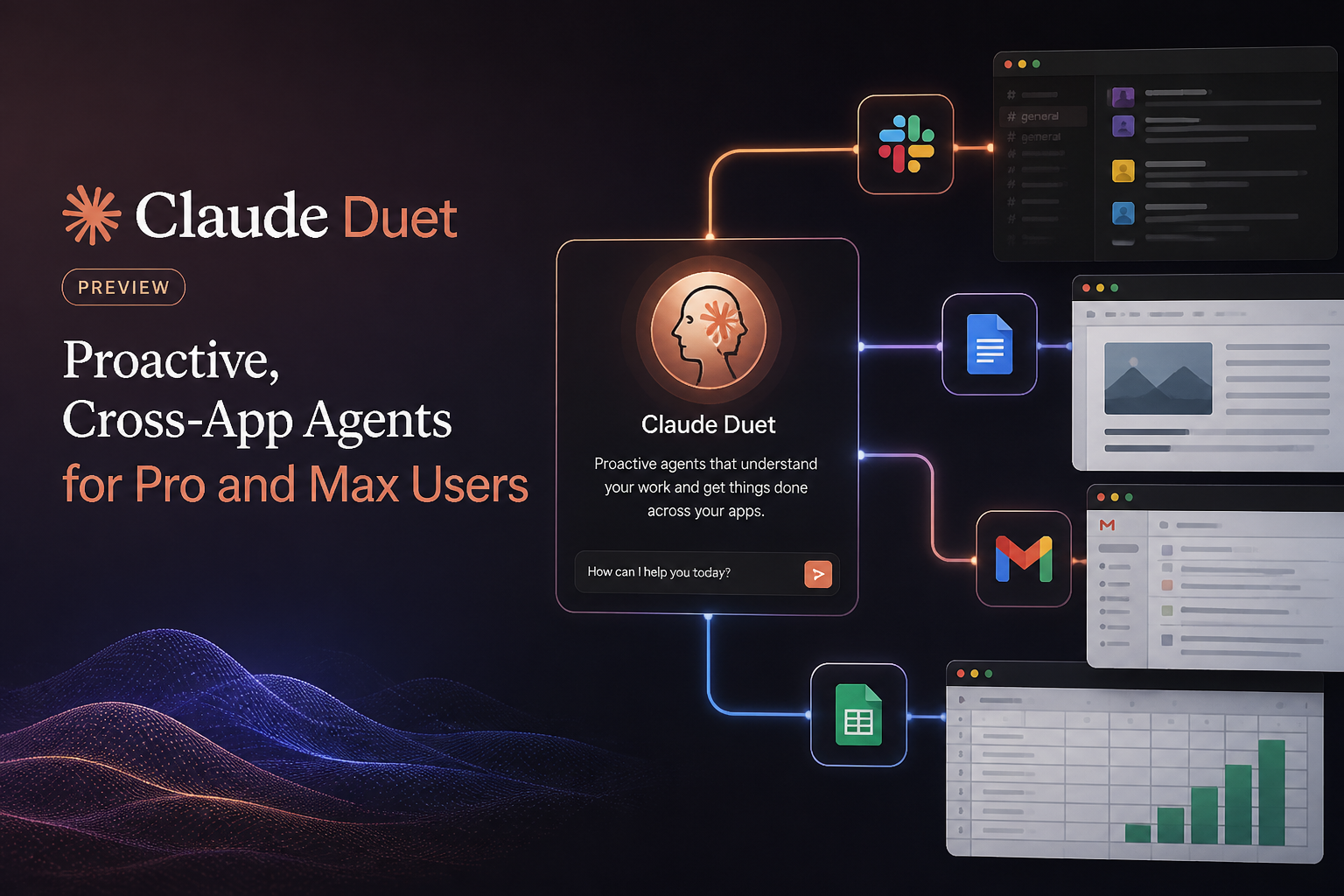
Anthropic opened a U.S. research preview of Claude Duet for Claude Pro and Max subscribers on October 21, 2026. The new app is designed to do more than respond to one prompt at a time: it can work across apps you connect, send updates while it handles tasks, and continue working in its own cloud environment after you close the app. Access is by waitlist, and Duet’s activity counts toward the usage limits on your Claude plan.
The preview points to a more proactive style of AI assistance: Duet can prepare a morning brief, follow up on ongoing work, or take on a larger assignment that may produce a file for you to review. But it is still a research preview—not a promise that every task will work perfectly or that the agent can act without your oversight. Anthropic says Duet is designed to ask before consequential actions such as sending a message, making a payment, signing a document, or deleting something. Anthropic’s Duet help guide and October 21 release note provide the current preview details. ([support.claude.com](https://support.claude.com/en/articles/17631495-get-started-with-claude-duet))
What is Claude Duet?
Claude Duet is a separate Claude app where you can message the assistant by typing or recording a voice message. The idea is to give Claude an ongoing thread of work, rather than treating each request as a standalone chat. Duet runs on your Claude account, so the memory, skills, and connectors you have already set up in Claude are available to it.
Duet also has its own computer in the cloud. That lets it continue working after you close the app, according to Anthropic. For websites without a connector, Duet can use its own cloud browser. This means it can potentially combine work across connected services and web pages, although it cannot cover every app or task, and the preview has important visibility and control limits discussed below.
Anthropic describes three main ways to use Duet: a daily brief, ongoing help during the day, and larger jobs that may involve several apps. You can keep a main thread for continuing work and start separate channels for different topics; those channels share the same memory. A Tasks tab shows work in progress and flags tasks that need your input. Duet may suggest that a task is finished, but you—not the agent—mark it complete. ([support.claude.com](https://support.claude.com/en/articles/17631495-get-started-with-claude-duet))
What Duet can do in the preview
Prepare a morning brief
When you have connected the relevant services, Duet can look across email and calendar in the morning, identify items it thinks need attention, and begin some work—for example, drafting replies for you to review. Anthropic also says Duet can send updates during the day and follow up on threads that have gone quiet. The brief is based on information available through your connected accounts and Duet’s scheduled checks; it is not a guarantee that the agent will notice every new or urgent item as soon as it appears.
This can be useful as a starting point for prioritizing the day. Treat the brief as a summary to check, not as an authoritative record. The service may misread an email thread or judge urgency incorrectly, and Anthropic specifically advises users to review drafts and approval requests before confirming them.
Work across connected apps
Duet can use connectors you have already connected in Claude. Anthropic lists Gmail, Google Calendar, Google Drive, Slack, QuickBooks, HubSpot, DocuSign, and Calendly among examples. You initiate each connection in Claude settings and can disconnect an app whenever you choose. Disconnecting stops future access to that app, but it does not erase memories of information from earlier conversations.
Some partner integrations have separate uses. For example, the help guide says Duet can check Stripe for unpaid invoices and draft reminder emails for your approval. Link and Shop Pay can be used for purchases you approve. Anthropic says Duet is designed to ask before each purchase and that each purchase uses a one-time card for that purchase. These integrations do not mean the agent can take any financial action it chooses: some actions, including moving money between accounts and trading securities, are off-limits even with approval.
Take on longer assignments
You can describe a larger task and let Duet decide which apps to use and how much effort it may take. Anthropic says bigger assignments can return as files you can review and edit, such as a research brief, financial model, slide deck, or dashboard. Finished work appears in the app’s Make tab.
For a first task, a specific request with a clear deliverable is likely easier to evaluate than a broad instruction to “handle everything.” For instance, you might ask Duet to assemble a company brief from connected materials before a meeting, or check for unpaid invoices and prepare draft reminders without sending them. The latter example follows the workflow Anthropic itself describes: let Duet gather information and draft, then review before approving an external action.
Approvals and safety: what users should expect
Duet is designed to show what it is about to do and wait for approval before it sends a message, makes a payment, signs a document, or deletes something. If you cannot respond immediately, Anthropic says it can finish the rest of a task and bring the approval request back later. When Duet gives you a number or summary, it also identifies the email, file, or spreadsheet it used as a source.
Approval is a checkpoint, not a substitute for review. Read the proposed recipient, amount, wording, or document details before confirming an action. The assistant may encounter misleading instructions in emails or web pages—a risk commonly called prompt injection. Anthropic says Duet is designed to treat such content as information and follow the user’s instructions, while acknowledging that no defense is perfect. The approval requirement for consequential actions is one safeguard, but users still need to examine what Duet proposes.
There are practical visibility limits, too. During the preview, users cannot watch Duet work in its browser or take over that browser. Duet checks accounts at set intervals, so something urgent could arrive between checks. It can read work in Claude but cannot change it, and it cannot see all projects or files on your computer. It also does not make phone calls or send text messages to other people, although—subject to approval—it can send email from accounts you connected. ([support.claude.com](https://support.claude.com/en/articles/17631495-get-started-with-claude-duet))
Who can join the Claude Duet preview?
As described in Anthropic’s current help guide, Duet is available as a research preview to people who have a Claude Pro or Max plan, a Claude account in the United States, and an invitation from the waitlist. It is not currently available on Team or Enterprise plans. Anthropic says invitations are sent in waves, so joining does not promise a particular access date.
To request access, go to the Claude Duet product page and choose the waitlist option. Submit your name and email, select your plan and phone type, and use the email address associated with your Claude account if you already have one. When invited, follow the setup instructions on your phone and use the Apple or Google account linked to the address you submitted. Anthropic says access is tied to that email, so a mismatch can prevent an invitation from working. Duet is available through an iPhone or Android setup in this preview.
Pricing and usage limits
Anthropic says Duet is included at no additional cost during the research preview for Pro and Max subscribers. That does not mean usage is unlimited: Duet draws on the usage limits of your existing Claude plan, including its five-hour session and weekly limits. Background work, such as morning briefs and check-ins, counts too, so using Duet may cause you to reach those limits sooner than using chat alone. Anthropic says it checks connected accounts at set intervals to keep background work from consuming limits continuously.
Because the preview’s background activity uses plan allowance, consider starting with a small number of well-defined tasks and checking how they affect your usage. If your Claude account is already close to its limits, recurring briefs and ongoing check-ins may matter as much as the tasks you actively hand off. The available access, behavior, and features may change during the research preview. ([support.claude.com](https://support.claude.com/en/articles/17631495-get-started-with-claude-duet))
What the preview does not offer yet
- Access for everyone: The preview is limited to invited Pro and Max subscribers in the United States; Team and Enterprise users are not included yet.
- Guaranteed immediate updates: Duet checks accounts at set intervals, so it may not see something the moment it arrives.
- Live browser supervision: You cannot watch its cloud browser or take control of it while it works.
- Unrestricted computer or project access: Duet cannot see all Claude projects or files on your computer.
- Every connector or action: Some connectors have limitations in Duet, Microsoft 365 is not available yet, and certain activities—such as securities trading or moving money between accounts—are prohibited.
- Guaranteed accuracy: Duet can make mistakes, including misreading a thread or misjudging what is urgent.
Anthropic says users cannot choose a model in the preview: Duet runs on Claude Opus 5.5 and determines how much effort a job needs. These details describe the current help-center guidance and could change as the research preview develops. ([support.claude.com](https://support.claude.com/en/articles/17631495-get-started-with-claude-duet))
Practical tips for trying Claude Duet
- Check connected apps first. Connect only the services you want Duet to use, and review those permissions in your Claude settings.
- Start with a reviewable task. Ask for a summary, research brief, or draft before delegating actions that affect other people or your accounts.
- Make the boundaries explicit. Say what Duet should prepare, what it must not send or change, and what should come back for approval.
- Inspect the source and proposed action. Check the linked email, file, or spreadsheet behind a summary, and read every approval prompt carefully.
- Account for background usage. Briefs and check-ins count toward plan limits, so monitor usage as you experiment.
- Use a dependable waitlist email. Match the email on the waitlist to your Claude account and the Apple or Google account used during setup.
Frequently asked questions
When did the Claude Duet preview open?
Anthropic’s release notes list the Claude Duet research preview for Pro and Max plans on October 21, 2026.
Is Claude Duet available outside the United States?
Not according to Anthropic’s current preview guidance. The research preview is U.S.-only, and access also requires a Pro or Max plan and an invitation from the waitlist.
Does Claude Duet cost extra?
Anthropic says Duet is included at no extra cost for Pro and Max subscribers during the research preview. Its use—including background work—counts toward the usage limits of the subscriber’s Claude plan.
Can Claude Duet send messages or make purchases on its own?
It is designed to ask for approval before consequential actions such as sending a message or making a payment. Review the details before approving. Anthropic also says some actions are prohibited even when a user approves them.
Can I monitor or take over Duet’s browser?
No. The current preview guidance says users cannot watch Duet work in its cloud browser or take it over.
Does joining the waitlist guarantee access by a certain date?
No. Anthropic says it is inviting people in waves and does not promise a specific date for an individual invitation.
The bottom line
Claude Duet gives invited U.S. Pro and Max users a way to delegate ongoing, cross-app work to Claude, from a morning email-and-calendar brief to longer assignments that produce editable files. Its appeal is the combination of connected apps, a cloud browser, and work that can continue after the app is closed. Its trade-offs are just as important: waitlist access, scheduled account checks, limited browser visibility, potential errors, and usage that draws on existing plan limits. For now, the sensible approach is to start with bounded tasks, review the sources and drafts, and approve consequential actions only after checking their details.
