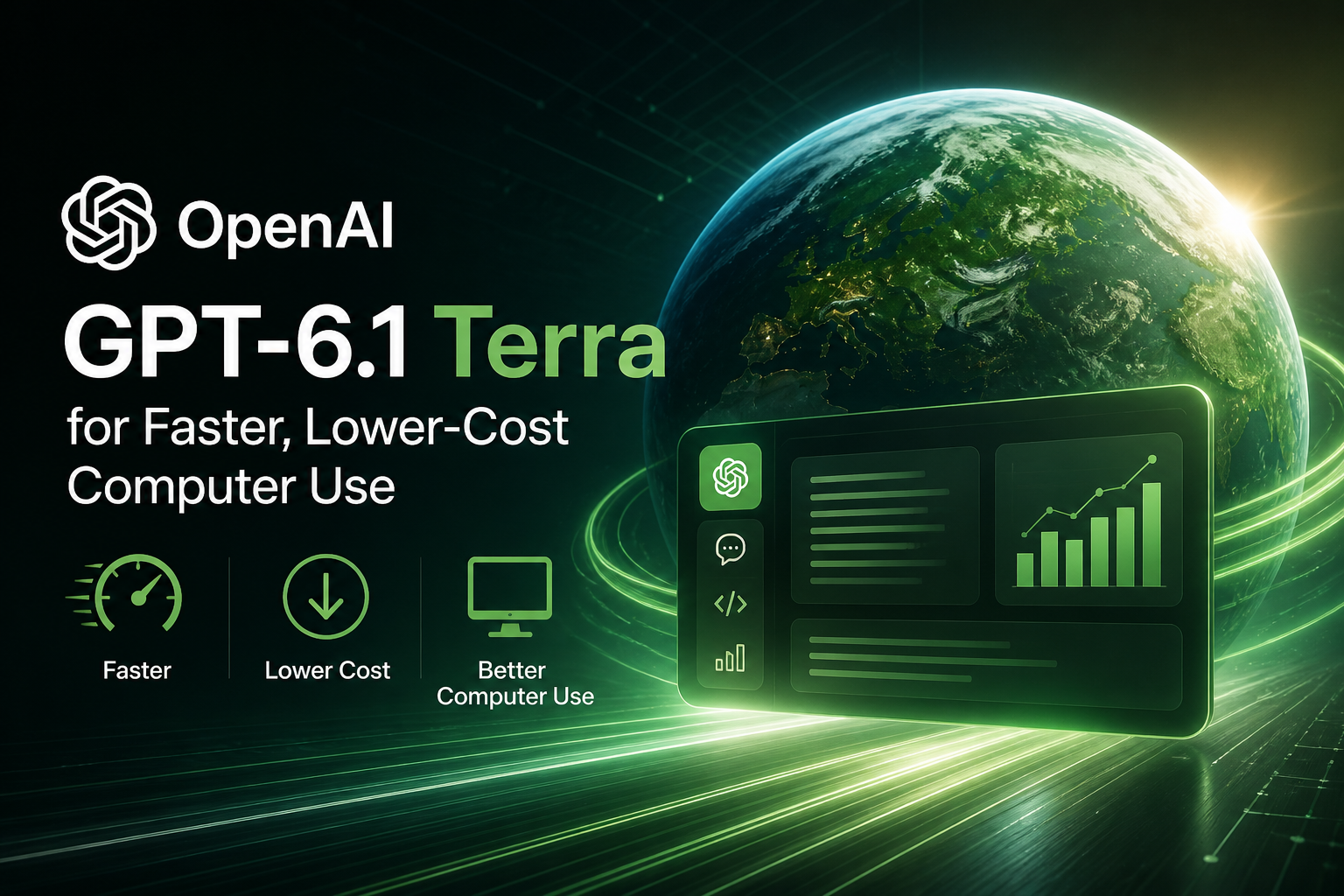
OpenAI released GPT-6.1 Terra on October 26, 2026, positioning it as a fast, efficient model for visual reasoning and computer-use tasks. It is available in ChatGPT Work and Codex for eligible plans, and developers can call it through the OpenAI API using the model ID gpt-6.1-terra.
The headline for teams building frequent desktop, browser and document workflows is cost: OpenAI says Terra’s standard API token prices are 50% lower than GPT-5.6 Terra and GPT-6.1 Sol. That makes the model worth evaluating for repetitive tasks such as reviewing invoices, interpreting images or entering information into business software. The lower rate does not mean every workflow will cost half as much overall: tool calls, reasoning effort, input and output volume, and how reliably a task completes all affect total spend.
This article covers what the launch means, where Terra may fit, how to test it, and what its published limitations do—and do not—tell you.
What GPT-6.1 Terra is built to do
OpenAI describes Terra as combining detailed visual reasoning, precise computer use and clearer, more natural writing. Its examples include matching product photos to catalog entries, interpreting technical drawings, acting on application screens, drafting proposals, filling out forms and editing videos. These are examples of intended use, not a guarantee that every application or task will work without setup or review.
For computer use, the basic idea is to let a model interpret a screen and help carry out a defined task through an application interface. In a developer integration, the model does not magically gain control of a company’s desktop: the application or execution environment must provide the computer-use tool, handle the requested actions, return updated screen information and manage permissions. OpenAI’s documentation says tool calling for Terra requires the Responses API.
That distinction matters when estimating implementation effort. A model can select actions, but the surrounding system still needs to define which applications and actions are permitted, maintain a session, handle errors and confirm that the intended change actually occurred.
Lower token prices—and how to interpret them
OpenAI lists GPT-6.1 Terra’s standard API pricing at $1 per million input tokens, $0.05 per million cached input tokens and $5 per million output tokens. OpenAI says those standard rates are 50% below GPT-5.6 Terra and GPT-6.1 Sol. This is a per-token comparison; it does not establish that every completed workflow will cost 50% less.
For an automation, the total bill can include repeated model requests, large screenshots or prompts, generated output and tool-specific charges. OpenAI’s model documentation notes that tool-specific models, including computer-use models, may incur a fee per tool call. Some pricing options and conditions can also change the effective rate. For example, the model page lists different rates for Batch and Flex, Fast mode, regional processing and very long prompts. Teams should check the current GPT-6.1 Terra model page and pricing details before forecasting production costs.
A practical estimate should use a representative end-to-end job rather than token prices alone. Include the number of screenshots and tool steps, retries, human review, failed runs and any additional processing. Then compare cost per successfully completed task—not simply cost per API request.
What OpenAI reports about performance
OpenAI presents Terra as a step up from GPT-5.6 Terra on computer use and vision tests. On Agents’ Last Exam, a benchmark of professional tasks, the company says Terra scores 15 percentage points higher than GPT-5.6 Terra at medium reasoning effort at about one-third of the cost. OpenAI also says Terra performs on par with GPT-6 Astra on this benchmark at one-tenth the price per token. On OSWorld 2.1, which evaluates multistep work in desktop applications, OpenAI reports that Terra at medium reasoning effort exceeds GPT-5.6 Terra’s best score at a fraction of the cost per task.
For visual reasoning, OpenAI says Terra outperforms GPT-5.6 Terra at every tested reasoning setting on MMMU-Pro and nearly matches GPT-6 Astra and GPT-6.1 Sol. The company also reports that Terra completes Agents’ Last Exam tasks over three times faster than GPT-6 Astra and GPT-6.1 Sol, and says that at maximum effort its estimated cost per task on that benchmark is about nine times lower than Claude Opus 5.5. These are vendor-reported results on named evaluations; they are not independent evidence that Terra will be faster or cheaper in every customer environment.
OpenAI also reports improvements on a company-internal benchmark of error-inducing prompts: the measured error rate at low reasoning effort fell from 53.6% for GPT-5.6 Terra to 16.7% for GPT-6.1 Terra. At maximum effort, OpenAI reports a 4.3% error rate. Such test results can be useful context, but they do not remove the need to verify claims and actions in real workflows.
Where teams might start
The clearest early candidates are workflows that are frequent, visually grounded and bounded by a concrete end state. Examples suggested by OpenAI include reading invoice details and entering them in accounting software, matching product images against catalog items, interpreting technical drawings, and checking or editing content in applications. A team could also evaluate repetitive document handling where a person currently switches between a file and a business app to transfer information.
Before automating a live process, turn the task into a testable specification. Identify the permitted inputs and software, describe the desired output, state what to do when information is missing or ambiguous, and define how to verify success. For invoice entry, that could mean comparing selected fields against the original document and checking the saved record in the accounting system before marking the job complete. For catalog matching, it could mean presenting uncertain matches for human approval instead of silently creating or changing listings.
Start with a small, representative batch and compare Terra with the existing workflow or model at the same reasoning effort. OpenAI’s model-selection guidance recommends evaluating representative images and workflows when migrating from GPT-5.6 Terra, using the same reasoning effort for a meaningful comparison. Track accuracy, completion rate, latency, corrections, retries and cost per verified result. A lower token price is useful only if the overall result is dependable and the human review burden is acceptable.
Getting started with the API
Developers can select gpt-6.1-terra in a Responses API request. The model supports reasoning-effort values of none, low, medium, high, xhigh and max; medium is the default. OpenAI recommends starting at medium and increasing effort when the quality gain justifies the extra time and token use. If an existing integration uses Chat Completions for tool calling, OpenAI’s migration guidance says to move those tool requests to the Responses API.
For screen control, plan the integration around a controlled execution environment. OpenAI’s computer-use documentation describes a loop in which the application sends a task, handles the model’s returned actions, captures the resulting screen and returns that state so the model can continue. The application—not the model—owns the environment, permissions and cleanup. Developers should consult the computer-use guide and the GPT-6 guide for implementation and migration detail.
Limitations and safeguards to keep in view
Computer-use automation can affect real accounts and data. OpenAI’s guidance recommends isolating the environment, restricting access to the sites and actions needed for the task, treating on-screen text as untrusted, confirming consequential actions, setting time or step limits, allowing cancellation and verifying the actual result. This is especially important for purchases, sending information, changing records or deleting content. A model’s final message is not a substitute for checking the application state.
OpenAI says Terra showed strong resistance to prompt-injection attempts in its evaluations and carries the GPT-6 series’ alignment improvements. Those are company-reported test results, not a reason to treat instructions found in webpages, documents or emails as trusted. Keep permissions narrow and retain human approval for high-impact or hard-to-reverse operations.
There are also model and API boundaries. The API model page lists audio and video as unsupported input modalities for Terra, while image input is supported. Fine-tuning is listed as unsupported. API rate limits depend on the account’s usage tier, and computer-use tool calls may have charges beyond token pricing. In addition, complex coding tasks are not Terra’s strongest stated niche: OpenAI says GPT-6.1 Sol and GPT-6 Astra remain better choices for its most complex coding work.
Finally, benchmarks are snapshots under specified test conditions. They can inform a shortlist, but teams should validate the model with their own screens, documents, edge cases, access controls and quality checks before relying on it in production.
Availability
OpenAI’s launch announcement says GPT-6.1 Terra is available starting October 26, 2026, to Plus, Pro, Enterprise and Edu users in ChatGPT Work and Codex. Developers can use it through the API under the ID gpt-6.1-terra. Availability can depend on product rollout, workspace configuration and account-level controls; check the model picker or API documentation for the options available to your account.
Frequently asked questions
What is GPT-6.1 Terra?
GPT-6.1 Terra is an OpenAI model focused on visual reasoning, computer use and clear writing. It is intended for tasks such as interpreting images or screens and acting within application workflows.
Where can I use GPT-6.1 Terra?
OpenAI lists it for ChatGPT Work and Codex on Plus, Pro, Enterprise and Edu plans, and in the API as gpt-6.1-terra. The launch announcement does not list general ChatGPT chat as an availability surface.
How much does GPT-6.1 Terra cost through the API?
Standard pricing is $1 per million input tokens, $0.05 per million cached input tokens and $5 per million output tokens. Tool calls and other pricing conditions may affect the total. Check OpenAI’s current model pricing before budgeting.
Does the 50% lower price mean workflows cost half as much?
No. The 50% comparison refers to standard API token prices relative to GPT-5.6 Terra and GPT-6.1 Sol. Actual cost per completed task depends on the tokens, tool calls, retries and review required.
Can GPT-6.1 Terra control a computer by itself?
It supports computer-use tooling, but an API integration must provide and manage the execution environment, permissions and action loop. OpenAI recommends safeguards such as restricting the environment, confirming consequential actions and verifying outcomes.
How should developers test it?
Use representative tasks and inputs, begin with the default medium reasoning effort, and compare results with the current system. Measure accuracy, successful completion, speed, retries, human corrections and cost per verified task before expanding deployment.
Bottom line: GPT-6.1 Terra gives teams a lower-priced model option for visual and screen-based automation, with OpenAI reporting substantial gains over GPT-5.6 Terra on several evaluations. Its strongest case is not simply “cheaper AI,” but a controlled trial on repeatable tasks where screen understanding matters and success can be independently checked.
